

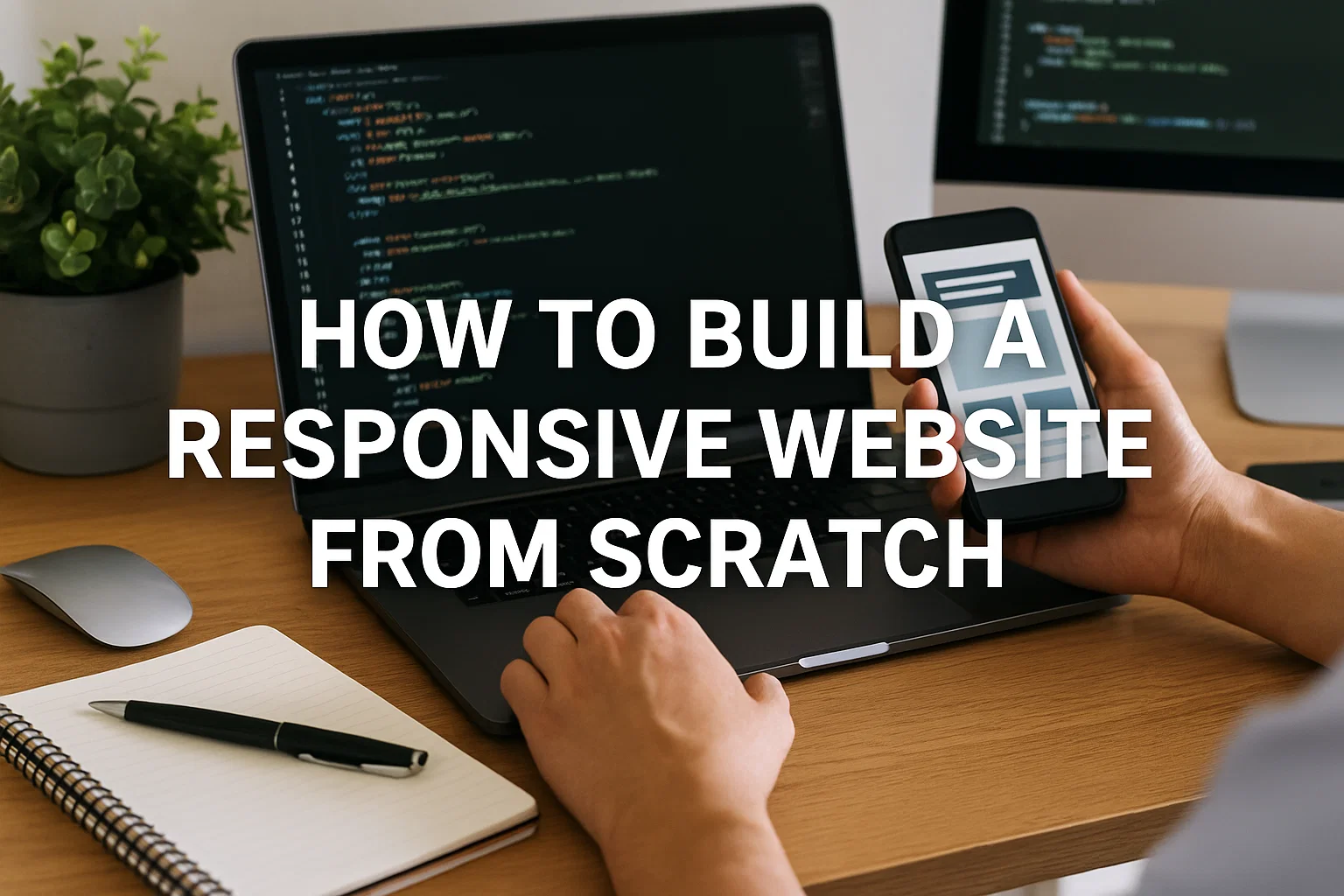
In today’s digital age, a website is no longer a luxury but a necessity. Whether you are an entrepreneur, a blogger, a designer, or a small business owner, having a strong online presence helps you reach a wider audience and showcase what you offer to the world.
However, simply creating a website is not enough. The modern user expects websites that look good, load fast, and function smoothly across every device, from desktops and laptops to tablets and smartphones. This expectation brings us to one of the most crucial concepts in web development: responsiveness.
A responsive website is designed to adapt seamlessly to various screen sizes and resolutions. It ensures that your visitors enjoy a consistent experience whether they are browsing on a 27-inch monitor or a 5-inch smartphone. In this comprehensive guide, we will take you through the journey of building a responsive website from scratch. We will cover everything from planning and design to best practices for performance and user experience.
Understanding Responsiveness in Web Design
Before diving into the process, it is important to understand what responsiveness really means. Responsiveness refers to the ability of a website to automatically adjust its layout, images, text, and other elements to fit different screen sizes. This adaptability eliminates the need for separate websites or mobile versions and offers one unified design for all users.
For example, imagine opening an e-commerce store on your laptop and then on your phone. A non-responsive website may appear cluttered, require endless zooming in and out, or cut off certain content. On the other hand, a responsive website ensures that product images resize appropriately, navigation becomes touch-friendly, and checkout remains accessible on any device.
Responsiveness is not just about visuals; it’s also about usability and accessibility. It makes browsing more intuitive, reduces bounce rates, and increases the chances of conversions. Search engines also recognize the importance of responsiveness, with Google rewarding mobile-friendly websites with higher rankings.
Planning the Website Structure
Every successful website begins with a well-thought-out plan. Building a responsive site from scratch requires careful consideration of both content and layout. You should first define the purpose of your website. Is it a portfolio to showcase your creative work, a blog to share insights, or an online shop to sell products? Once the purpose is clear, structure the content accordingly.
Start by sketching wireframes that show how the pages will be organized. Wireframes act as blueprints and help you visualize how each section of the website should appear. For responsive design, it is essential to think about how these wireframes will adapt to different screens. A three-column layout on desktop may need to collapse into a single column on mobile, while navigation menus might need to be replaced with compact icons.
Planning should also involve creating a sitemap that lists all pages and their hierarchy. This provides clarity about navigation flow and ensures that no critical pages are missed.
Designing with a Mobile-First Approach
One of the most effective strategies for building a responsive website is adopting a mobile-first approach. This means designing the website with mobile screens as the starting point, then progressively enhancing the design for larger devices.
The mobile-first philosophy stems from the fact that a majority of global internet traffic comes from mobile devices. By prioritizing smaller screens, you guarantee that your website remains functional and user-friendly where it matters most. Designing for mobile encourages simplicity, focusing only on essential elements, which in turn improves usability on all devices.
As you scale up the design for tablets and desktops, you can introduce additional features and visual elements. For instance, a minimal menu on mobile can expand into a full navigation bar on desktop, or a single-column blog post layout can transform into a grid view.
Choosing the Right Layouts and Grids
Responsive design thrives on flexibility, and layouts play a central role. Instead of fixed-width designs, use fluid layouts that adapt proportionally to screen sizes. Grids are often used to organize content, ensuring consistent alignment and spacing.
A common practice is to divide the page into columns that can expand or collapse depending on the device. For example, a four-column grid on desktop may reduce to two columns on tablets and a single column on smartphones. This approach helps maintain balance and readability across platforms.
When planning layouts, it is important to consider whitespace as well. Cluttered designs are frustrating on smaller devices, while generous spacing enhances readability and keeps users engaged.
Typography for Responsive Websites
Typography is another key component that impacts both aesthetics and usability. Fonts must remain legible on all screens, which means choosing typefaces that scale well. Responsive typography involves using relative units such as percentages rather than fixed sizes, allowing text to resize naturally with the screen.
For headings and subheadings, use font sizes that maintain hierarchy but do not overwhelm smaller screens. Line spacing and margins should also be adjusted for readability. Remember that users interact differently with text on mobile devices—they may scroll quickly, skim through sections, or zoom in if the text feels too small. By ensuring your typography adapts fluidly, you create a smoother reading experience.
Navigation in Responsive Design
Navigation is the backbone of user experience, and it needs special attention when designing responsively. On desktops, horizontal menus with multiple links are common, but this structure can become overwhelming on mobile. That’s why responsive websites often use compact navigation styles, such as hamburger menus or collapsible dropdowns, for smaller screens.
The key is to make navigation intuitive and accessible. Users should never feel lost or frustrated while exploring your site. Ensure that menu items are large enough to tap easily on touchscreens, and provide clear pathways to essential sections. Breadcrumbs, search bars, and sticky headers can further enhance navigation on all devices.
Optimizing Images and Media
Images and media elements add visual appeal but can also slow down websites if not optimized correctly. For responsiveness, images should be scalable, meaning they adjust proportionally without distortion. Instead of fixed-size images, use flexible ones that resize according to the device.
Another important practice is compressing images to reduce file sizes without compromising quality. Lightweight images improve loading speed, which is crucial for mobile users who may have slower internet connections. Similarly, videos and animations should be optimized for streaming, with options to play or pause easily on mobile.
Consider using modern formats like WebP for images, which balance quality and efficiency. Background images and decorative visuals should be used carefully, as they may not display well on all screens. Always test media elements across different devices to ensure consistency.
Testing Across Devices and Browsers
No matter how well you design, a website must be thoroughly tested to ensure it performs consistently. Responsive testing involves checking how your site looks and functions on different screen sizes, from desktops and tablets to smartphones of varying dimensions.
Browser testing is equally important, as different browsers may interpret your design differently. A website that looks perfect on Chrome may display issues on Safari or Firefox. By testing thoroughly, you can identify and fix inconsistencies before your visitors encounter them.
Testing tools and simulators are widely available, but nothing beats real-world testing on physical devices. This gives you a true sense of performance, touch responsiveness, and user experience.
Importance of Speed and Performance
A responsive design is not just about adjusting layouts; it is also about delivering fast and efficient performance. Website speed directly affects user satisfaction and search engine rankings. Slow-loading websites frustrate users and drive them away, regardless of how attractive the design may be.
To optimize performance, minimize the use of heavy elements, reduce unnecessary scripts, and compress assets. Implement caching to speed up repeat visits, and leverage content delivery networks to distribute content globally. Mobile users especially benefit from these optimizations, as they may rely on varying network conditions.
Remember, speed is a silent but powerful factor in responsive design. A quick, smooth experience leaves a lasting impression and encourages users to return.
Accessibility in Responsive Websites
True responsiveness also means ensuring your website is accessible to everyone, including people with disabilities. Accessibility should not be an afterthought but a central part of the design process. Elements such as alt text for images, proper color contrast, and logical navigation structures are essential for inclusivity.
On mobile devices, accessibility becomes even more critical. Buttons must be large enough to tap, forms should be easy to complete, and interactive elements should be operable with screen readers. By designing with accessibility in mind, you not only meet ethical standards but also reach a broader audience.
Content Strategy for Responsive Sites
Content plays a crucial role in shaping the user experience. When building a responsive website, it is important to prioritize content that adds value and present it in a way that adapts across devices. Long paragraphs that look fine on desktop may appear overwhelming on mobile screens. Therefore, break content into digestible sections with clear headings and visuals to support the message.
Images, videos, and infographics should complement the text without cluttering the layout. Prioritize key information at the top of pages, as mobile users often skim quickly. Calls to action should be prominently placed and remain visible regardless of the device.
SEO Benefits of Responsive Design
Search engine optimization and responsiveness go hand in hand. Google favors mobile-friendly websites and ranks them higher in search results. Responsive websites have a single URL for each page, making them easier for search engines to crawl and index.
Additionally, a consistent user experience reduces bounce rates and increases the likelihood of visitors spending more time on your site, which positively impacts rankings. Responsive design also avoids duplicate content issues that often arise when separate mobile sites are used.
In essence, responsiveness is not just a design choice; it is a powerful SEO strategy.
Future Trends in Responsive Design
The digital world is constantly evolving, and responsive design must evolve with it. Emerging technologies such as foldable smartphones, voice-activated browsing, and wearable devices are shaping the future of web design. As screens become more diverse, websites must adapt even more dynamically.
Designers are also focusing on creating immersive experiences with animations, micro-interactions, and personalized layouts. Artificial intelligence may further influence responsiveness by adapting designs in real-time based on user behavior. Staying updated with these trends ensures that your website remains relevant and competitive.
Final Thoughts
Building a responsive website from scratch requires a combination of planning, creativity, and attention to detail. It is about more than just resizing elements; it involves rethinking how content, navigation, performance, and accessibility come together to provide a seamless experience across all devices.
By adopting a mobile-first approach, prioritizing usability, and focusing on speed and accessibility, you can create a website that not only meets modern expectations but also stands out in an increasingly competitive digital landscape. Remember, a responsive website is not just for today’s devices—it is an investment in the future of your online presence.
